
.png)


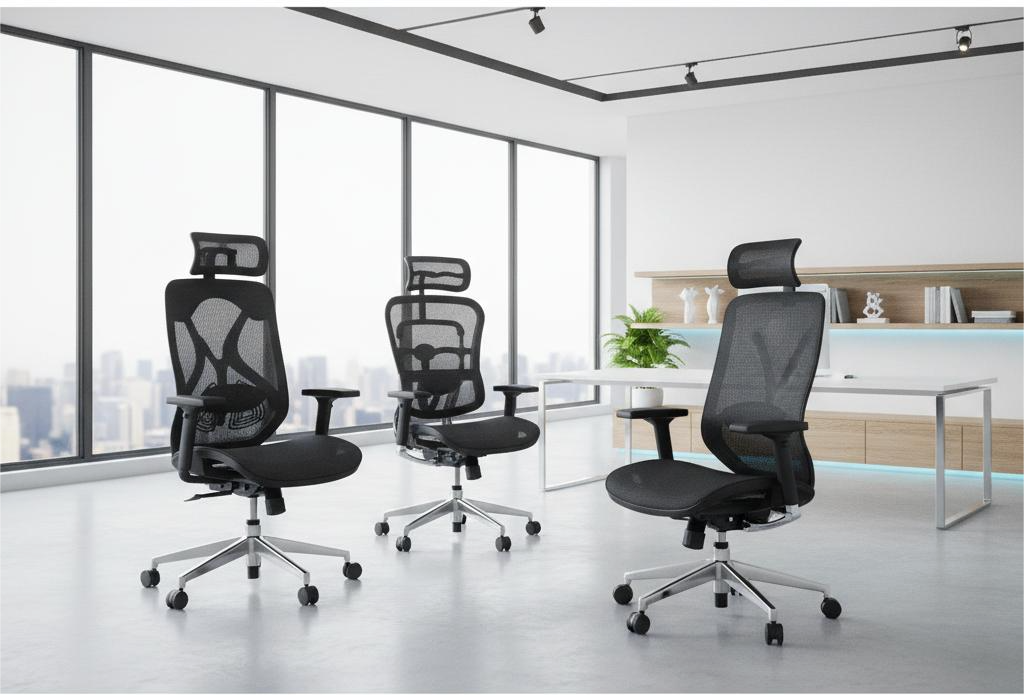
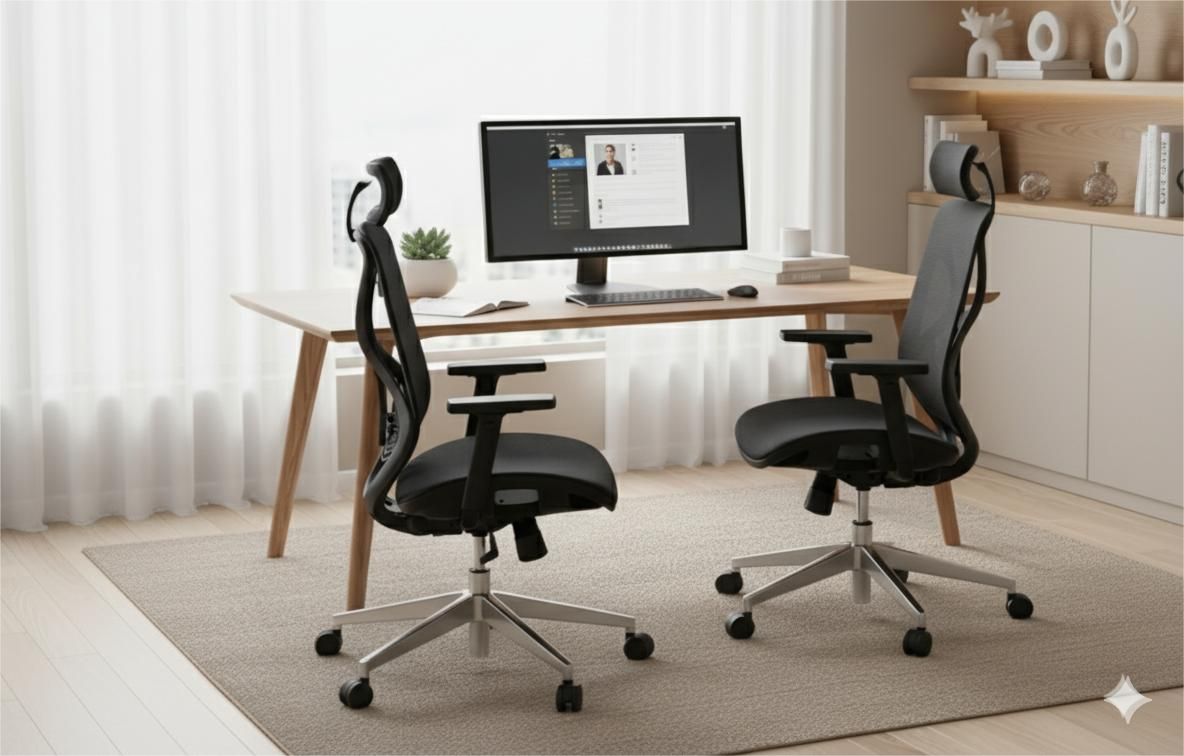
Working from home has become the new normal, and your setup can make or break your productivity. One often-overlooked element? Your chair. Whether you’re in meetings, handling projects, or grinding through long hours, the right chair can transform your comfort and focus. With so many options available, how do you choose the perfect one? Let’s break it down.
Regular chairs often lack proper support, leading to back and neck strain over time. Ergonomic chairs are designed to keep your spine aligned and your posture on point, allowing you to work longer without discomfort. It’s not just about feeling good today but staying healthy and focused in the long run.
Your chair should allow easy height adjustment so your feet rest flat on the floor and your knees stay at a 90° angle. Most modern chairs use smooth pneumatic levers for this. Why it matters : Proper height improves circulation and enhances comfort during long work sessions.
Tip - Ensure your thighs are parallel to the floor for optimal support.
A proper lumbar curve supports your lower back, preventing slouching and reducing strain. Adjustable lumbar support allows for personalized comfort. Why it matters : Good lumbar support minimizes the risk of chronic back pain.
Tip - Look for chairs with adjustable lumbar depth and height for a custom fit.
A high-back chair supports your entire back, from waist to shoulders, keeping you upright and pain-free during extended work hours. Why it matters : Full-back support ensures proper posture and reduces upper back tension.
Tip - Choose a high-back chair if you spend long hours at your desk.
An adjustable headrest supports your neck and head, relieving tension during breaks or calls. Why it matters : Proper neck support reduces strain and enhances relaxation.
Tip - Adjust the headrest to align with the natural curve of your neck.
The seat should neither be too deep nor too short, leaving 2–4 inches between the seat edge and the back of your knees. Why it matters : Proper seat depth ensures leg support and prevents discomfort.
Tip - Test the seat depth to ensure it supports your thighs without pressing into your knees.
Armrests that adjust in height or width keep your shoulders relaxed and wrists straight while typing. Why it matters : Proper arm support reduces shoulder and wrist strain during long work sessions.
Tip - Align armrests so your forearms are parallel to the floor while typing.
Choose mesh or breathable materials to stay cool, paired with memory foam or high-density cushions for lasting comfort. Why it matters : Breathable materials prevent heat buildup, while supportive cushioning maintains comfort.
Tip - Opt for mesh backs for warm environments or hybrid materials for balanced comfort.
A chair with a 360° swivel and quality wheels allows easy movement across your workspace. Why it matters : Mobility enhances flexibility and reduces strain from twisting or reaching.
Tip - Choose casters suited to your floor type—hard wheels for carpets, soft for hardwood.
Everyone works differently, and your chair should match your routine:

An ergonomic chair is an investment in your health. While cheaper options exist, premium chairs from Akavi offer superior durability, flexibility, and posture support. Think long-term: a chair that adapts to you will always outperform one you have to adapt to.
Tip - Prioritize chairs with strong warranties for long-term reliability.
Choosing the right chair is about more than looks—it’s about how your body feels every day. The best ergonomic chair keeps you comfortable, supports your posture, and boosts productivity. At Akavi, our ergonomic chairs blend smart design, premium materials, and modern aesthetics to make your workspace both functional and stylish.
Ready to level up your home office? Sit better. Work smarter. Choose Akavi.
.png)